If managing tasks and workflows feels overwhelming, you’re not alone. Many businesses struggle with streamlining processes and staying organized.
But if you keep reading, you’ll discover how an AI Workflow Generator can make handling daily tasks easier, faster, and smarter, even if you’re not a tech expert. Imagine having a tool that simplifies complex processes and helps your team work more smoothly.
In the next few lines, I’ll introduce you to what an AI Workflow Generator is, why it’s a must-have in 2025, and some of the top options to choose from.
Key Takeaways
Key Takeaways
- An AI Workflow Generator automates and organizes business tasks, making processes faster, error-free, and easier to manage without needing tech skills.
- Using this tool in 2025 helps companies cut costs, improve efficiency, and handle growth smoothly by automating routine activities like reports and customer support.
- Choose software with features like adaptable AI, easy interfaces, strong security, and good integrations with your existing tools to get the most out of it.
- Connecting the AI tool with platforms like CRM or accounting software ensures smoother workflow automation — start simple, then expand gradually.
- Regular reviews, updates, and feedback help keep workflows effective; be ready to tweak and improve processes as your business changes.
- Many companies see better response times, fewer mistakes, and happier teams after adopting AI workflow tools in their operations.
- Address common challenges such as integration issues and user resistance with training, security measures, and continuous adjustments.
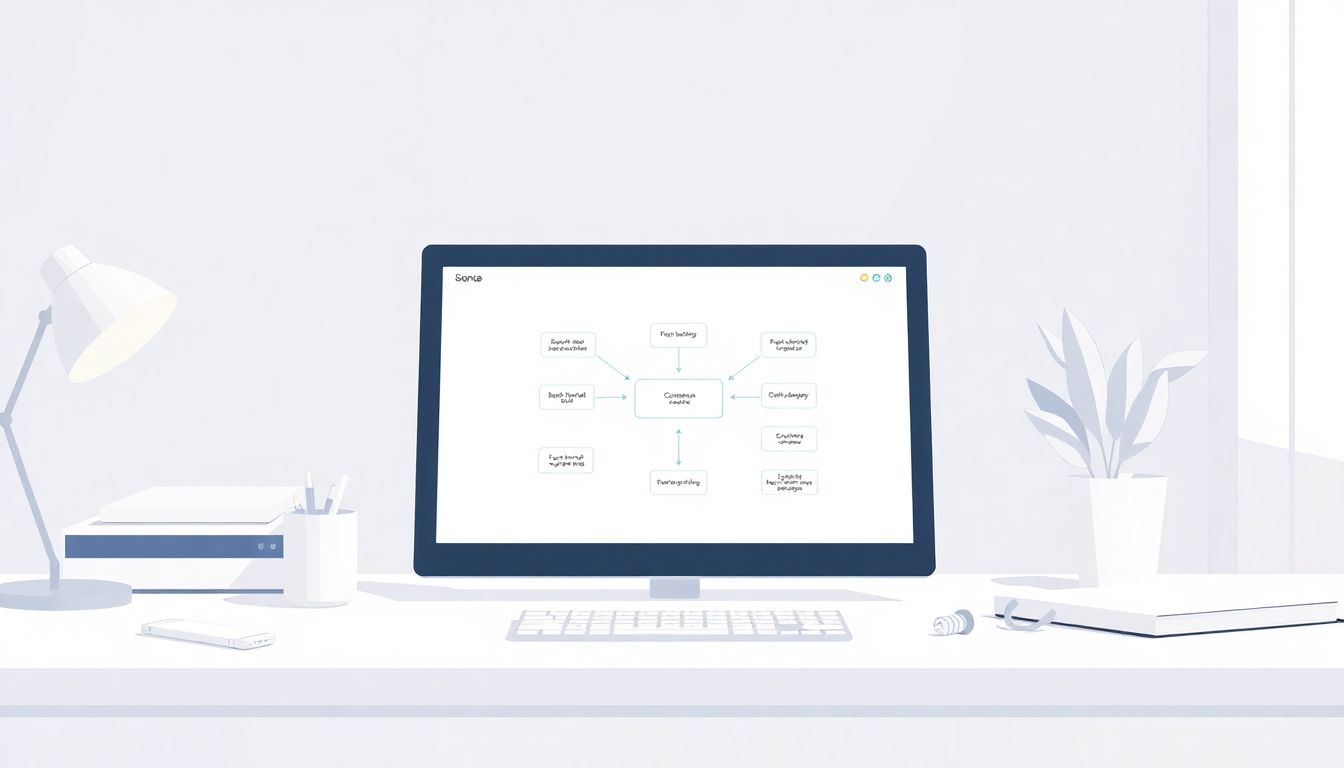
What Is an AI Workflow Generator and How Does It Help Business Operations?
An AI workflow generator is a software tool that uses artificial intelligence to automate and organize business processes. It can design, implement, and optimize workflows without requiring deep technical skills. Imagine it as your digital assistant that learns how your team works and suggests ways to make tasks more efficient.
These tools help streamline repetitive tasks, reduce errors, and save time, allowing your team to focus on more strategic activities. For example, an AI workflow generator can automatically route customer inquiries or generate reports based on data patterns, speeding up decision-making.
In today’s fast-growing AI market—expected to reach USD 3680 billion by 2034—more companies are turning to these tools to stay competitive. About 83% of businesses say AI is a priority, and workflow automation is seen as a key advantage. It’s no wonder that AI workflow generators are becoming essential for modern business operations.
Why Your Business Needs an AI Workflow Generator in 2025
By 2025, the demand for smarter, faster business processes will only grow, and an AI workflow generator is a great way to keep up. As the AI market expands and over 97 million people are expected to work in AI spaces, integrating these tools can give your company a real edge.
They can reduce operational costs, improve efficiency, and help scale your processes effortlessly. For example, automating onboarding or invoice approvals can cut down processing time from days to hours. With 75% of companies viewing workflow automation as a competitive edge, not having such a tool might put you behind in the game.
Plus, the global workflow automation market is projected to hit USD 18.45 billion by 2025, reflecting how essential these solutions are becoming. If you want your team to be more productive and your operations smoother, adopting an AI workflow generator in 2025 is a smart move.
Key Features to Look for in an AI Workflow Generator
When choosing an AI workflow generator, look for features that make automation easy, flexible, and reliable. First, it should have AI capabilities that adapt to your specific business needs—like learning from data to improve workflows over time.
Second, a user-friendly interface makes setup simple, even if you’re not a tech expert. You’ll want drag-and-drop editors, pre-built templates, and integrations with tools you already use—think CRM, accounting, or project management platforms.
Third, strong security measures are a must, especially if sensitive data is involved. Features like role-based access, encryption, and audit logs protect your information and ensure compliance. Additionally, look for analytics dashboards to monitor process performance and identify bottlenecks.
Lastly, choose a tool that supports seamless collaboration, so your team can work together on workflows easily. With so many options available in 2025—from Cflow to Kissflow—prioritize those with the features that match your company’s needs and growth plans.

How to Integrate AI Workflow Generators with Existing Business Tools
Connecting your AI workflow generator with tools like CRM, project management, or accounting software is crucial for a smooth operation.
Start by identifying the platforms your team already uses daily, then check if the AI tool offers pre-built integrations or APIs.
Most modern AI workflow tools provide connectors for popular platforms like Salesforce, Slack, or QuickBooks.
For custom integrations, consider working with developers to set up API links, ensuring data can flow seamlessly between systems.
Test these connections with simple workflows first to make sure data passes correctly before building more complex automations.
Also, set permissions carefully so that sensitive info remains protected during integration.
Regularly review and update integrations to adapt to new versions or added features of your existing tools.
Best Practices for Maintaining and Updating Your AI Workflow Generator
Once your AI workflow generator is in place, keeping it up-to-date is key to ensuring it continues delivering value.
Schedule regular reviews—think monthly or quarterly—to see if workflows are still relevant and efficient.
Stay informed about updates from your AI tool providers, as new features or security patches can improve performance.
Encourage your team to provide feedback on the workflows—they often spot bottlenecks or ideas for automation improvements.
Use analytics dashboards to monitor workflow performance—if certain processes lag, revisit their setup.
Don’t be afraid to tweak workflows as your business evolves, adding or removing steps to keep things smooth.
Involve your IT or automation specialists when major changes are needed, to avoid disrupting ongoing operations.
Examples of Real-World Success Stories Using AI Workflow Generators
Many businesses have seen marked improvements after implementing AI workflow tools. For example, a midsize e-commerce company used Cflow to automate their order processing, reducing manual input by 50%.
A financial firm integrated Kissflow with their CRM, streamlining client onboarding and reducing turnaround time from days to hours.
Similarly, a healthcare provider adopted FlowForma to automate compliance documentation, cutting administrative work significantly.
These examples show that, regardless of industry, AI workflow generators can help teams focus on what truly matters—serving clients, not drowning in routine tasks.
Results like faster response times, fewer errors, and happier employees are common benefits reported by those who adopt these tools.
Keep an eye out for such examples; they can inspire your own automation journey.
Common Challenges and How to Overcome Them When Using AI Workflow Generators
No system is perfect, and working with AI workflows can come with hurdles. The good news is, most common issues have straightforward fixes.
One frequent problem is data integration errors—double-check your connectors and API permissions if workflows aren’t triggering as expected.
Another challenge is user adoption; some staff may resist change. Offer quick training sessions or demos to show how workflows save time.
Security concerns can pop up too—make sure sensitive data is encrypted and access controls are in place.
If workflows become too complex or slow, simplify steps or split processes into smaller automations.
Lastly, stay flexible; when an automation isn’t working, don’t be afraid to pause, troubleshoot, and refine.
Remember, patience and continuous improvement are part of working with any automation system.
FAQs
An AI Workflow Generator automates business processes by designing, executing, and managing workflows with artificial intelligence, making operations more streamlined and reducing manual effort.
It enhances efficiency, reduces errors, accelerates decision-making, and frees up staff to focus on strategic tasks, supporting overall business growth and agility.
Key features include automation capabilities, user-friendly interface, integration options, real-time analytics, and customization options to fit specific business needs.